One look across every rooftop: standardising vehicle imagery for dealer groups
How multi-site groups set a house style, keep every store on it and see who's using what — without policing it by email.
TL;DR
Write the house style down (shot list, template, branding), encode it once as dealership presets and a default template, give every store guided capture, and use the Hub's usage log to see which rooftops are following it.
The multi-rooftop problem
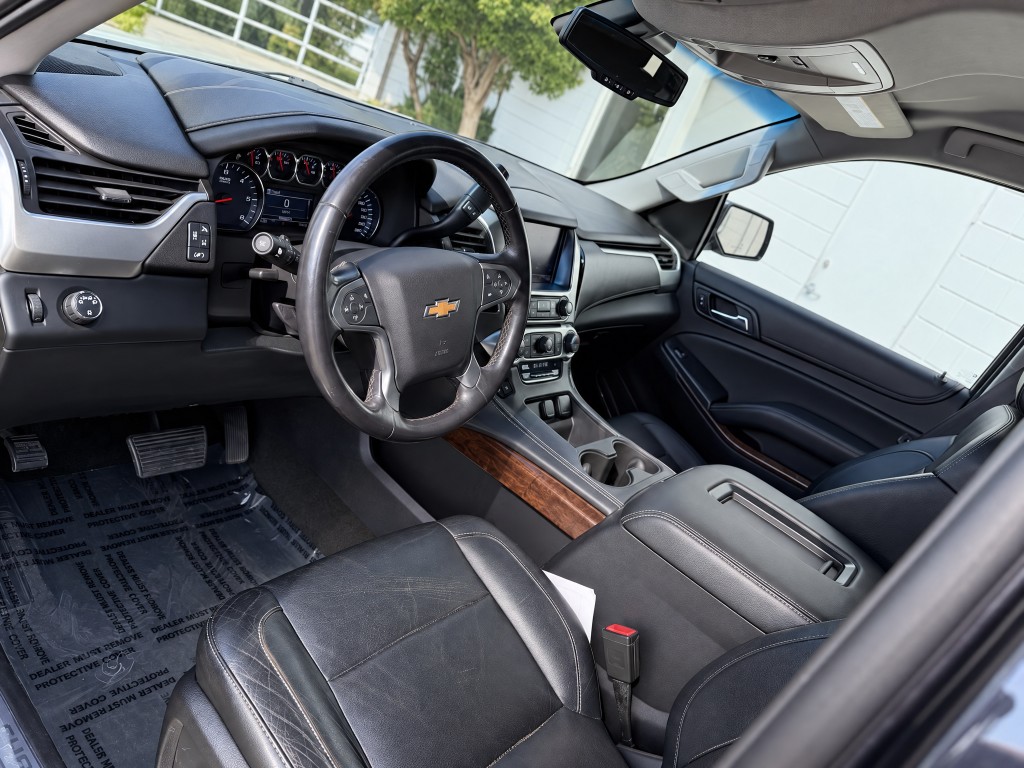
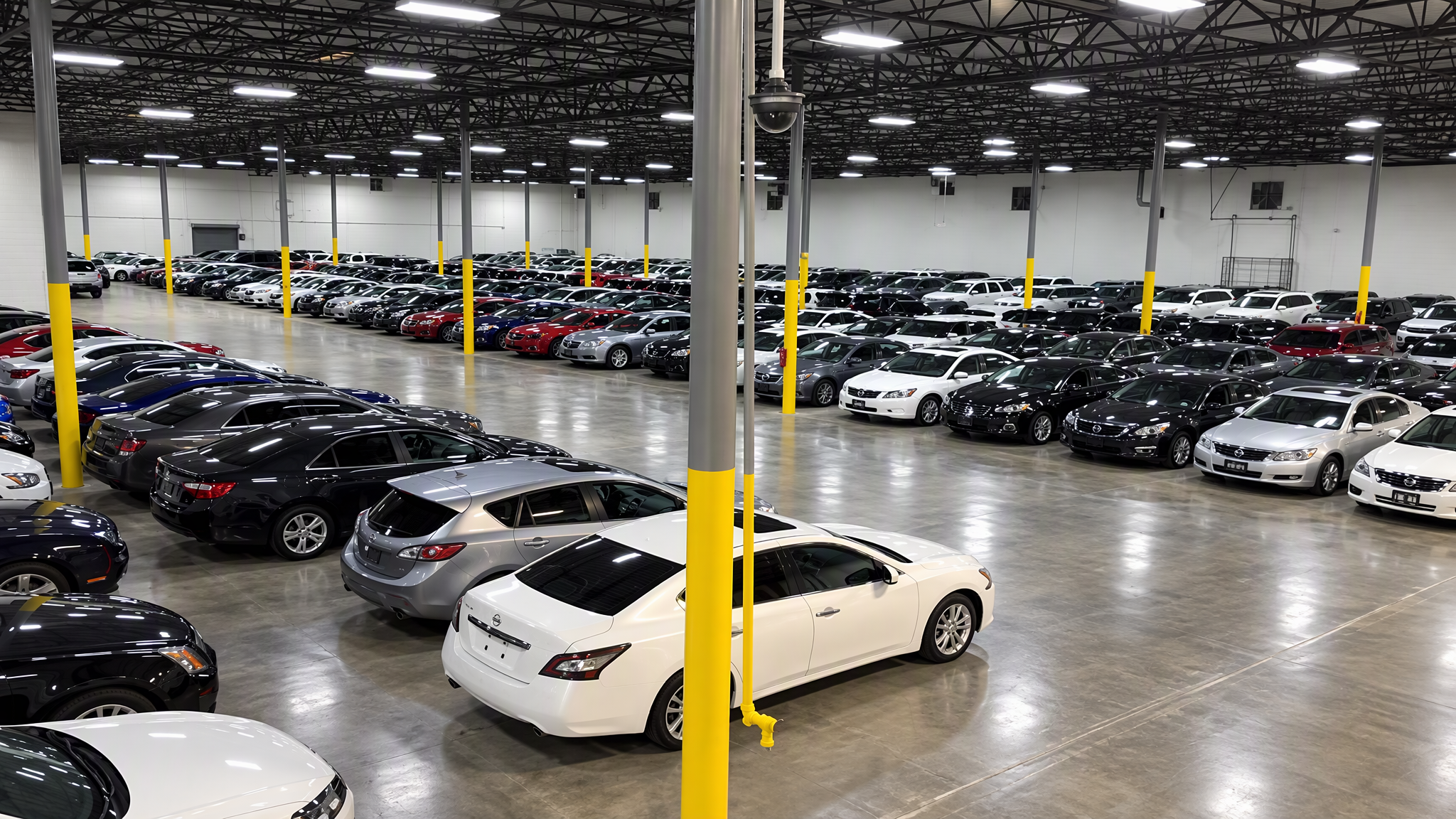
Every store has its own lot, its own light and its own idea of a good photo. Across a group, that shows up as a patchwork on your group website and marketplaces — and it quietly undermines the brand you're paying to build.
Write the house style down
- The shot list — we recommend the eleven-shot walkaround as a floor.
- The default template for each stock type, or your own studio.
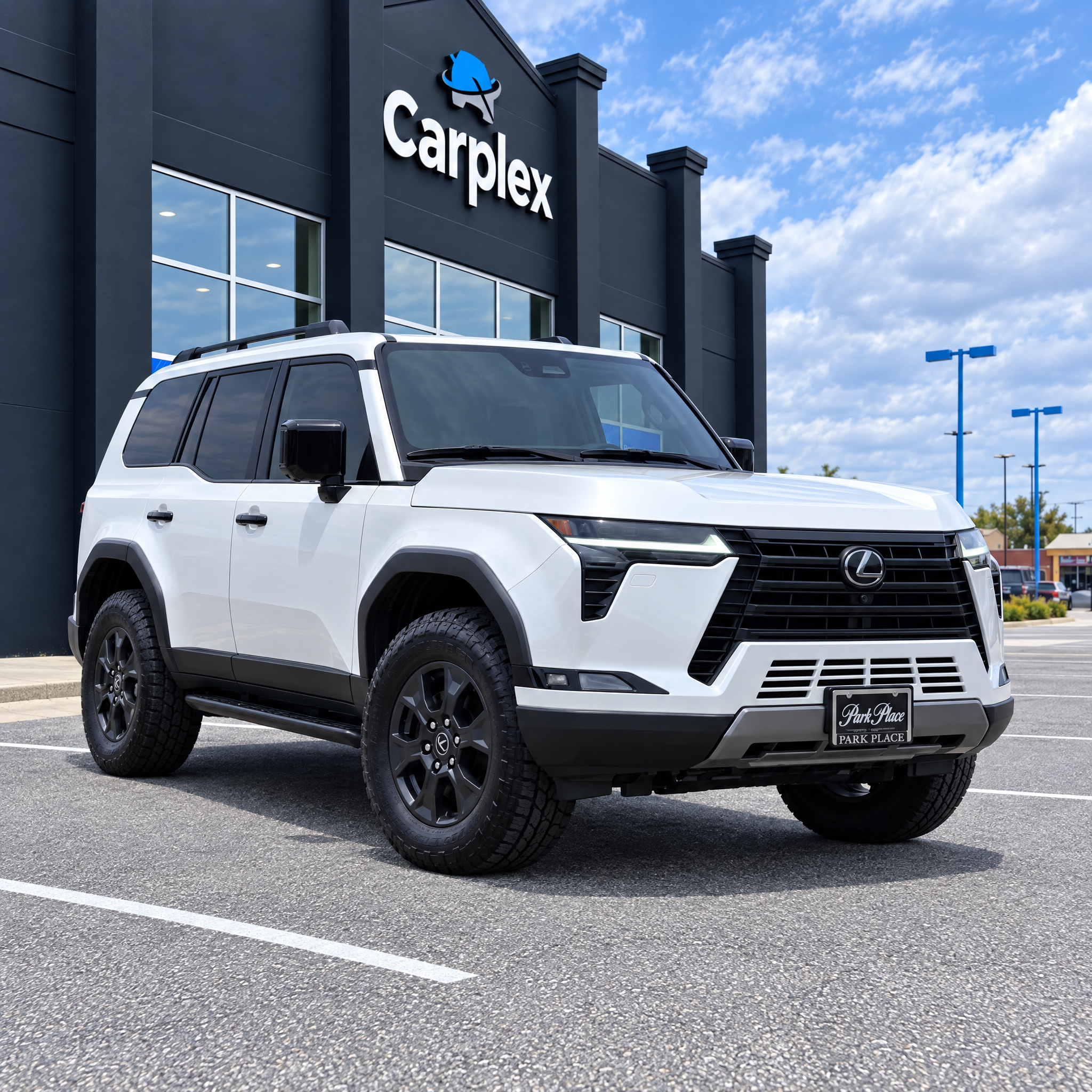
- Branding placements: wall sign, display plates, screen splash, floor mat.
- Enhancement strengths, especially how much tidying is allowed on used stock.
- Disclosure wording for AI-generated scenes.
Encode it once
Save the enhancement strengths as a dealership preset, pick the default template and turn on the branding you want. From then on, a new porter at any rooftop gets the same output as your best photographer — because the settings, not the person, decide the look.
See who's following it
The Hub's usage log shows activity by vehicle and by person, and group accounts can switch between dealerships. A quick weekly look tells you which stores are processing their arrivals and which need a nudge — no spreadsheets, no chasing by email.