Infinity, Lumen, Signature or Horizon? Choosing a template for your inventory
Four sets, four moods. How to match a template to your brand, your stock mix and where your listings are seen.

TL;DR
Infinity is the safe, clean default. Lumen suits premium and performance stock. Signature is the most branded and dealership-like. Horizon suits trucks, SUVs and off-road stock. Pick one default for consistency, and only vary it by stock type.
The four sets at a glance
| Template | Setting | Feels like | Great for |
|---|---|---|---|
| Infinity | Seamless grey cyclorama | Clean, neutral, catalogue | Any stock; the safest default |
| Lumen | Gloss floor, light-panel ceiling | Premium, dramatic | Luxury, performance, EVs |
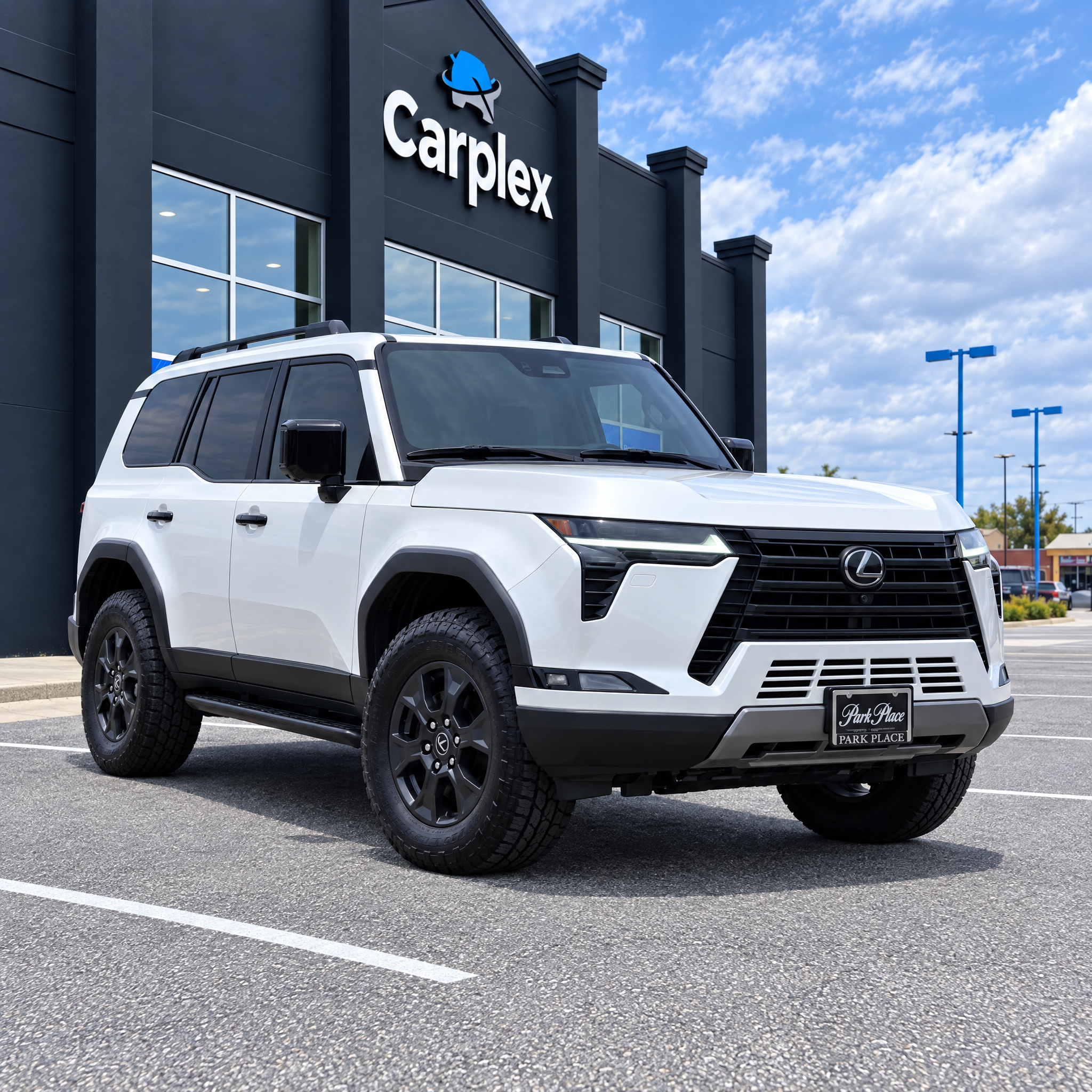
| Signature | Showroom with wall sign, plate and screen | Your dealership, branded | Franchise and brand-led stores |
| Horizon | Empty field, open sky | Outdoors, adventure | Trucks, SUVs, 4x4s |
Pick one default
The biggest win from templates is consistency. Buyers browse your search results page as a grid; when every thumbnail shares the same floor and light, your inventory reads as one brand and the cars themselves stand out. Choose one default for the whole store and switch only when there's a clear reason.
When to vary by stock type
- Trucks and off-roaders often look more natural on Horizon than in a polished showroom.
- A small premium section can sit on Lumen while the main inventory stays on Infinity.
- If you have a distinctive building, Build your own studio beats all four for brand recognition.
Don't forget the film
Each template has its own Motion OS style — symmetrical on Infinity, hypercut on Lumen, drone-style on Horizon, composed hero holds on Signature. Choosing a template also chooses how your films will feel.